Delete SMTP Settings
- Under Primary on the SMTP Settings tab, click the SMTP configurations you wish to delete, as shown below.
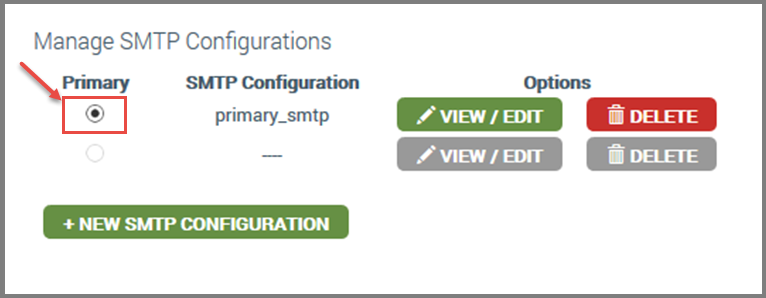
- Click DELETE.
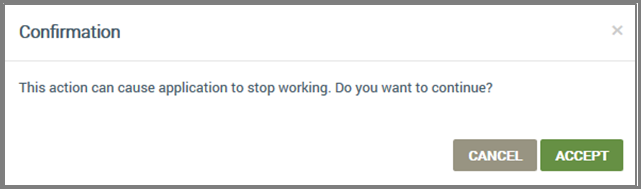
- In the Confirmation dialog box (shown below), click ACCEPT.
Please click here to let us know how we're doing. Thank you.